
What is Sticker Studio?
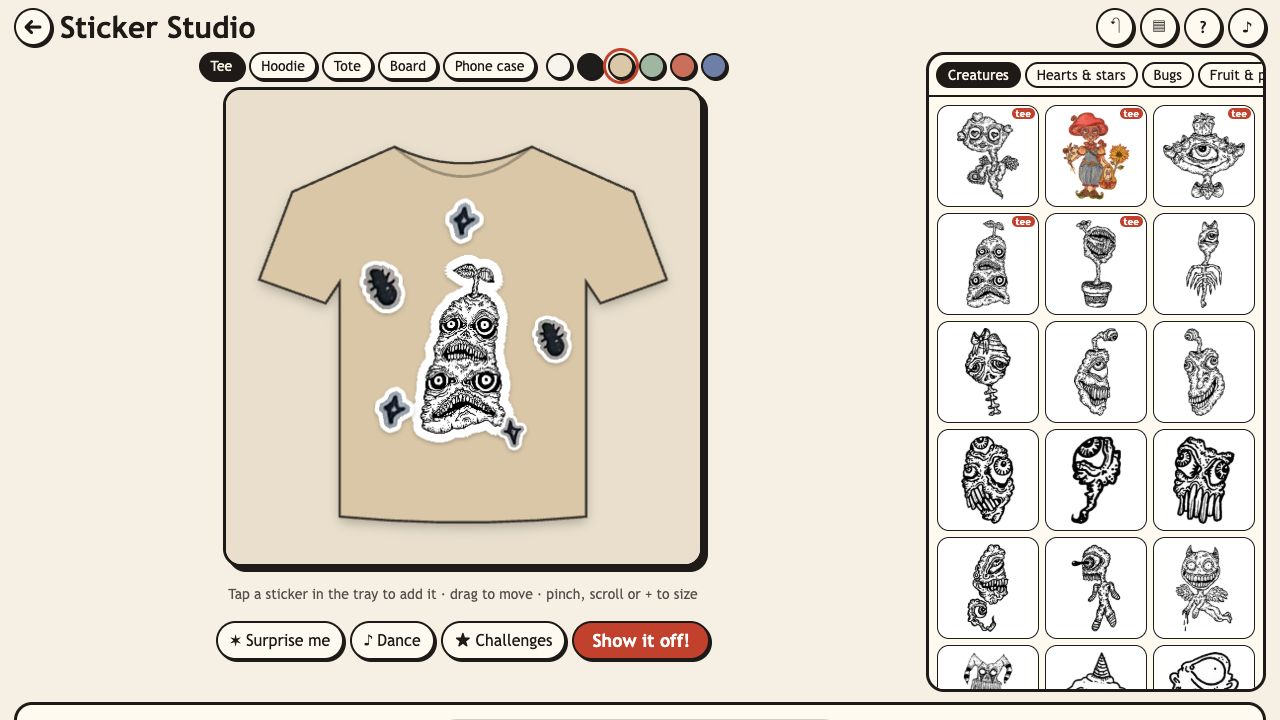
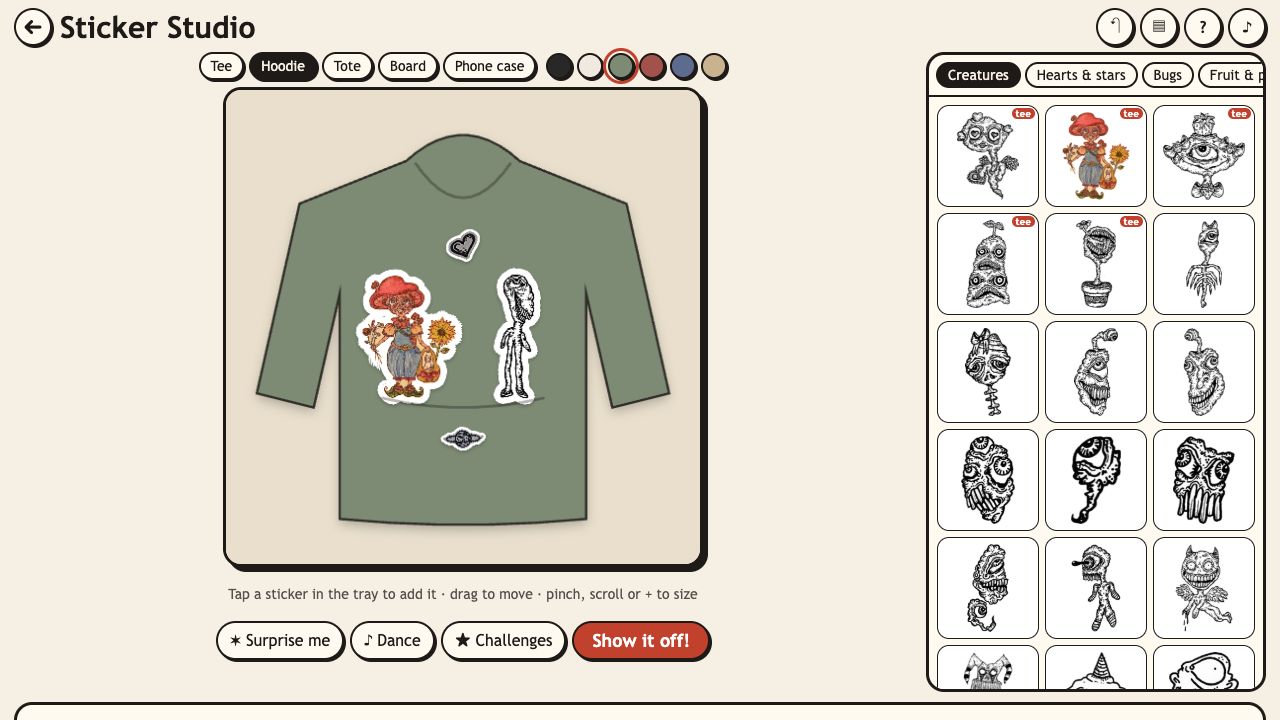
Sticker Studio is a creative toy: pick a blank tee, hoodie, tote bag, skateboard or phone case, and decorate it with twikoi's drawings as stickers. Drag them around, make them bigger or smaller, turn them, flip them and layer them until it looks just right.
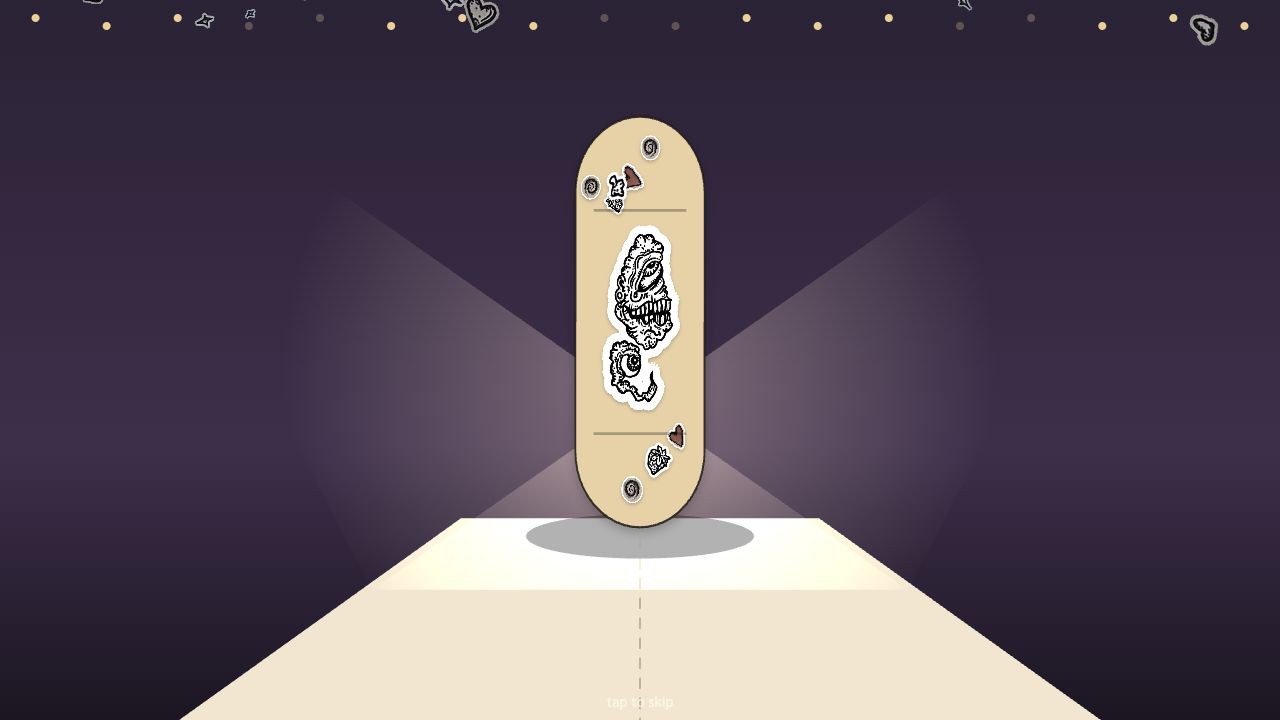
When you are happy, tap Show it off! and your design walks down a little runway, spins on a turntable under flashing lights, and ends with a "Ta-da!". Then you can save a picture of it to your device.
There is no wrong way to play, but if you want a goal, there are 8 design challenges with stars to earn.
How to play
- Pick a blank and a colour at the top.
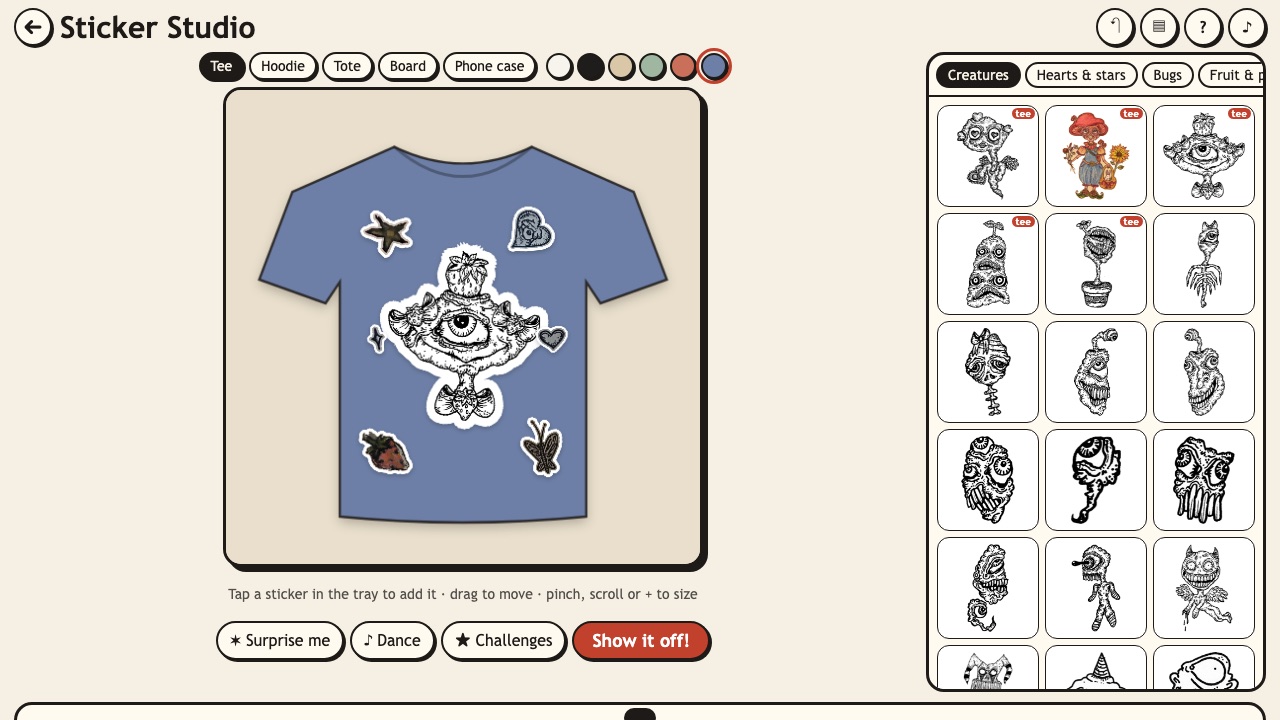
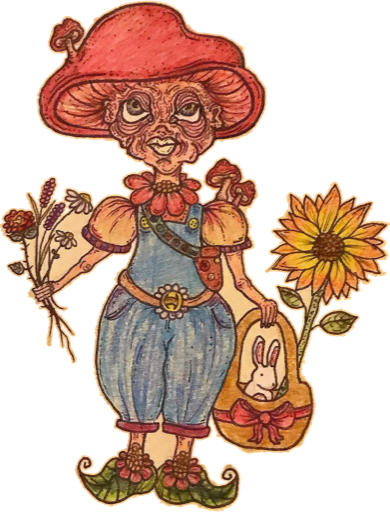
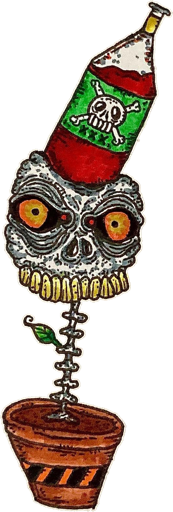
- Tap a sticker in the tray to stick it on. The tray has tabs like Creatures, Hearts & stars, Bugs and Fruit.
- Drag to move. Pinch, scroll or press + / − to size, and ⟲ ⟳ to turn. Stickers snap to the middle and to each other.
- Use ✶ Surprise me for a quick layout, or ♪ Dance to see your design wiggle.
- Tap Show it off! to walk the runway, then Save picture.
Features
- 5 blanks (tee, hoodie, tote, skateboard and phone case), each in several colours.
- Smart snapping to the centre and to other stickers' edges (hold Alt for free placing).
- Layer up and down, duplicate, flip and undo.
- Surprise me layouts: hero, pocket, pattern, duo and scatter.
- A runway show with a turntable, camera flashes and a rain of her motifs.
- Save a 1080×1350 picture card with "Art by twikoi" on it, kept only on your device.
- My designs: the last 12 designs you showed off.
Modes, levels and unlocks
- Free design
- Make anything you like. Your current design is saved as you go.
- 8 challenges
- Goals like a Bug tee, a Heart hoodie, a Fruit board, a Pocket tee, a Pattern case and a Creature crowd tote. Each has 3 checks, so 3 stars to earn.
- Runway
- Every design you show off goes into My designs, so you can come back to it.
Tips
- Start with one big creature in the middle, then add two or three little things around it.
- Copy a sticker, then flip it, for a mirror pair. One challenge wants exactly that.
- A small creature on the left chest looks great on a plain tee.
- The "tee" tag in the tray marks creatures she already has real shirts of.
Who will like Sticker Studio?
Sticker Studio is for creative people, kids who like dress-up games and anyone who has ever wanted to design their own shirt. There is no wrong answer, and the runway show makes every design feel special.
It is also a fun way to see how her drawings look on real things like tees, hoodies and skateboards. When you find a combination you love, the links take you to the real stickers and tees on her site.
Questions
Is Sticker Studio free?
Yes. Sticker Studio is free to play in your web browser, and the picture you save is yours to keep. Nothing is sold inside the game.
Does it work on phones?
Yes. Drag with one finger, pinch to resize and use the buttons to turn. On a computer, drag with the mouse and scroll to resize.
Does it save my progress?
Yes. Your current design, your last 12 shown-off designs and your challenge stars are saved in this browser on this device.
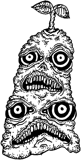

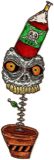


 Creep Survivors
 Creep Stack
 Ink Garden
 Creep Kart